Explore the leading event management platforms built for corporate and higher education teams - streamline planning, boost engagement, and deliver exceptional experiences.
Event management software is essential for planning and executing events from academic conferences to executive board meetings. By centralizing scheduling, resource allocation, and communication, these platforms eliminate manual inefficiencies and ensure smooth coordination.
A good event management solution can help you:
Reduce scheduling conflicts
Simplify resource booking
Provide valuable analytics to improve planning
In 2026, managers in higher education and corporate sectors prioritize user-friendly, scalable and integrated solutions.
This guide compares the leading platforms, their features, and best-fit use cases, helping decision-makers select the best event management software for streamlining events and space utilization.
Event management software offers more than just scheduling—it transforms how organizations plan, execute and evaluate events. Here are the key benefits:
Automate schedulingto reduce errors and prevent double bookings
Centralize logisticswith a single dashboard for space and resource visibility
Enhance attendeesatisfaction through streamlined check-ins and clear communication
Optimize spaceand resource utilization with analytics
Deliver real-time updatesvia notifications and alerts
How to Choose the Right Event Management Software
Choosing the right platform depends on your organization’s needs, goals and infrastructure. Here’s how to evaluate your options:
Assess event size and complexity to determine required features for internal, public or hybrid events
Consider industry requirements for compliance and integration in corporate, education, nonprofit or government sectors
Evaluate integration needs with CRM, facility scheduling and calendar platforms
Choose a deployment model—cloud for flexibility or on-premise for strict data security
Match budget and user count to ensure the platform scales with your team
Verify support and onboarding options, including training, documentation and responsive service
Prioritize mobile access and user experience for planners and attendees
Event Management Software Comparison Table
Software
Why It Stands Out
Best For
Capterra Ratings
Accruent EMS
Ranked #1 for configurability, reliability and scalability
Large universities & enterprise-level corporate events
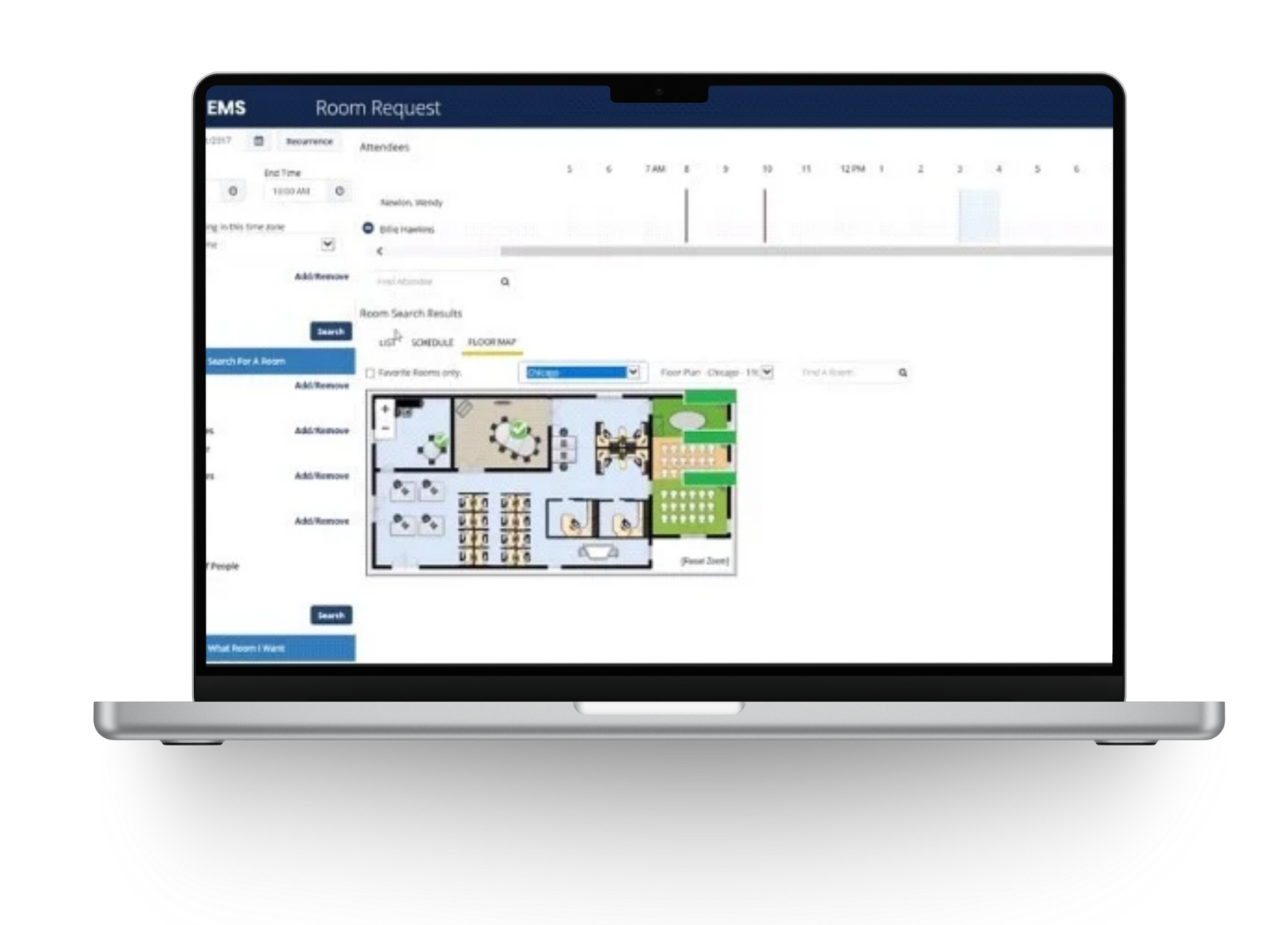
Accruent EMS is a powerful event and space management platform designed to streamline scheduling, resource allocation and communication across departments. It centralizes event logistics, integrates with existing systems and provides flexible access for users.
Key Features
Centralized event and space scheduling
Mobile-first booking experience
Real-time availability and resource management
Integration with Outlook and calendar systems
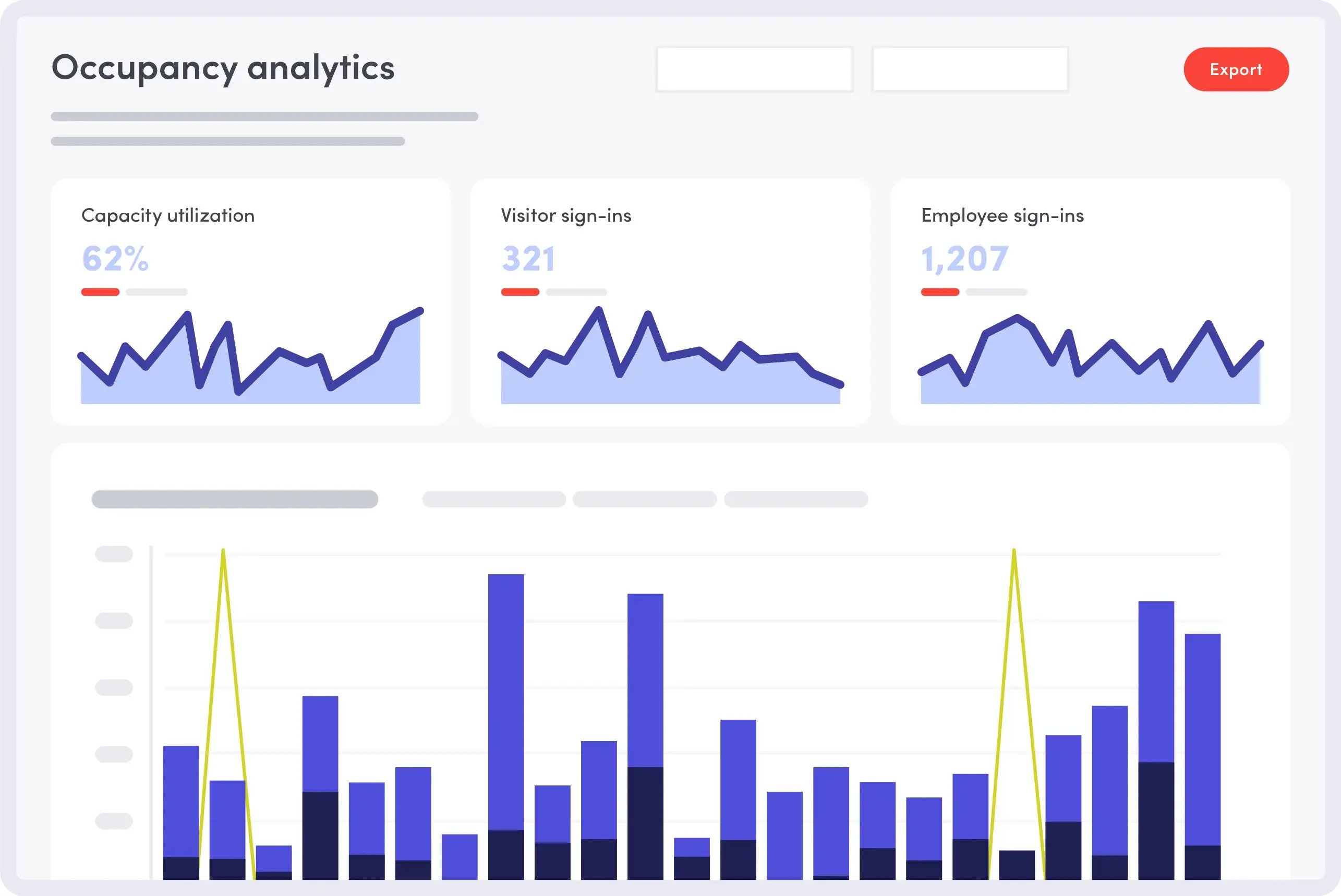
Advanced reporting and analytics
Flexible deployment: cloud or on-premise
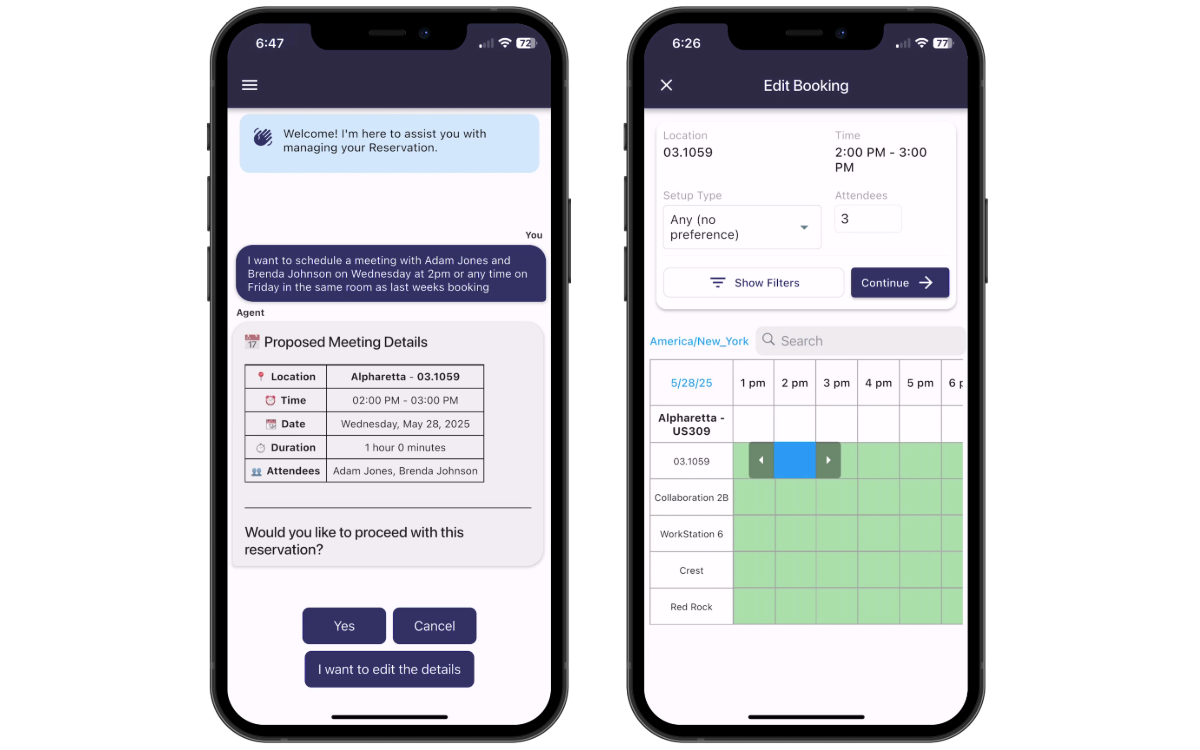
EMS Direct Spaces – Mobile-First Event Booking Experience
Direct Spaces is Accruent EMS’s mobile-first solution designed to simplify event and space booking through an intuitive, conversational interface. Built with AI-powered natural language processing, users can book rooms, desks or event spaces in seconds just by typing or speaking commands like “Book a conference room for 10 people at 2:00 p.m. tomorrow.”
Direct Space's capabilities:
Real-time availability to view and reserve spaces instantly
Conversational booking using natural language for easy reservations
Check-in and cancellations directly from the app
Preference-based booking that matches users with preferred rooms or equipments
Cross-device access on smartphones, tablets, and desktops
Plans & Pricing
Pricing for Accruent EMS is customized based on your organization’s size, complexity and integration needs. Contact Accruent for a tailored quote.
Why Choose Accruent EMS?
Over 30 years of industry experience in higher education, commercial enterprise, professional services, healthcare, and the public sector
Comprehensive functionality for scheduling, reporting and resource management
Highly configurable workflows
Flexible deployment with cloud or on-premise options
Open API for custom integrations
“ It’s a really seamless process. From the approval perspective — our service providers, our legal department — they have a great overview and oversight of everything that’s going on with that event.”
— Michelle Lezette, EMS administrator, Government & Community Relations
2. Eptura Engage
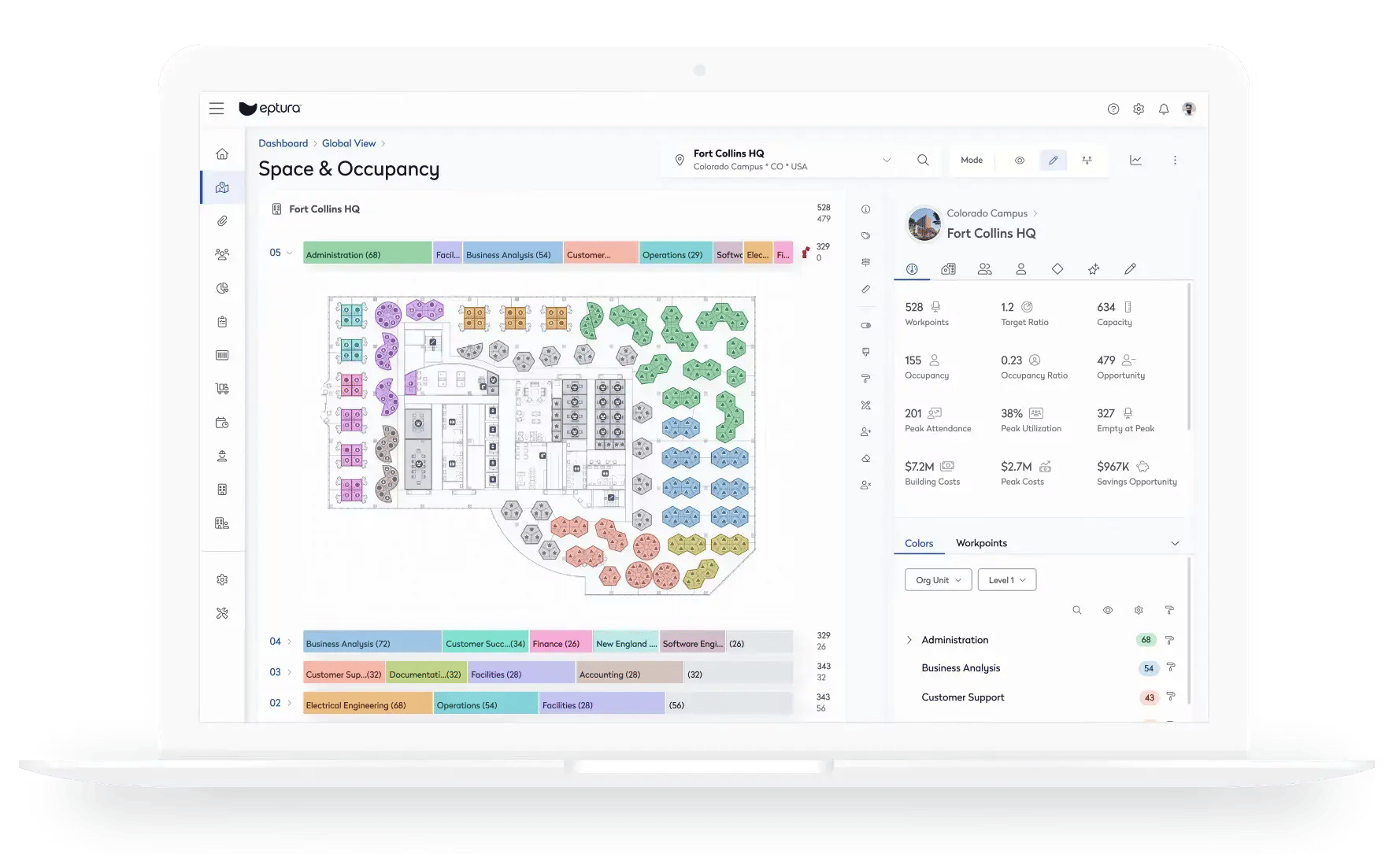
Eptura Engage (formerly Condeco), provides event-adjacent tools for managing internal workplace events, workshops, and team gatherings. These features focus on space coordination, resource booking and visitor handling, making it highly effective for corporate campuses and hybrid workplaces that host recurring internal events.
Key Features
Schedule team days and group bookings for workshops, training, or all-hands gatherings
Reserve meeting rooms and spaces with flexible hourly or shift-based options
Add services and catering such as AV equipment, food, or other resources
Manage visitors with pre-registration, QR check-ins, and streamlined entry
Track utilization by monitoring attendance, no-shows, and space usage
Guide employees and guests with wayfinding tools and digital signage
Pros & Cons
Pros
Well-suited for internal workplace events such as team days, workshops, and training
Seamless integration with Microsoft Outlook, Teams, and Copilot
Mobile app enables easy, on-the-go bookings
Cons
Limited workflows for advanced event management
Reporting focused on space usage rather than event performance
Lacks attendee engagement features
3. Envoy
Envoy provides a visitor and workplace management platform tailored for hybrid work environments. Organizations in the technology and media industries use Envoy to manage visitor check-ins, desk bookings and employee scheduling through a sleek, user-friendly interface.
The platform supports hot desking and hoteling, allowing employees to reserve workspaces based on availability. Its visitor management system includes photo capture and character recognition, enhancing security and streamlining front desk operations.
Key Features
Visitor management with ID verification and photo capture
Hot desking and desk assignment tools
Integration with hybrid work strategies
Pros & Cons
Pros
Strong adoption in the tech and entertainment sectors
Simplifies return-to-work planning and hybrid scheduling
User-friendly interface with intuitive navigation
Cons
Mobile app performance issues, including frequent crashes
Steep learning curve for the space management module
Limited reporting and analytics capabilities
Low configurability for complex workflows
4. Robin
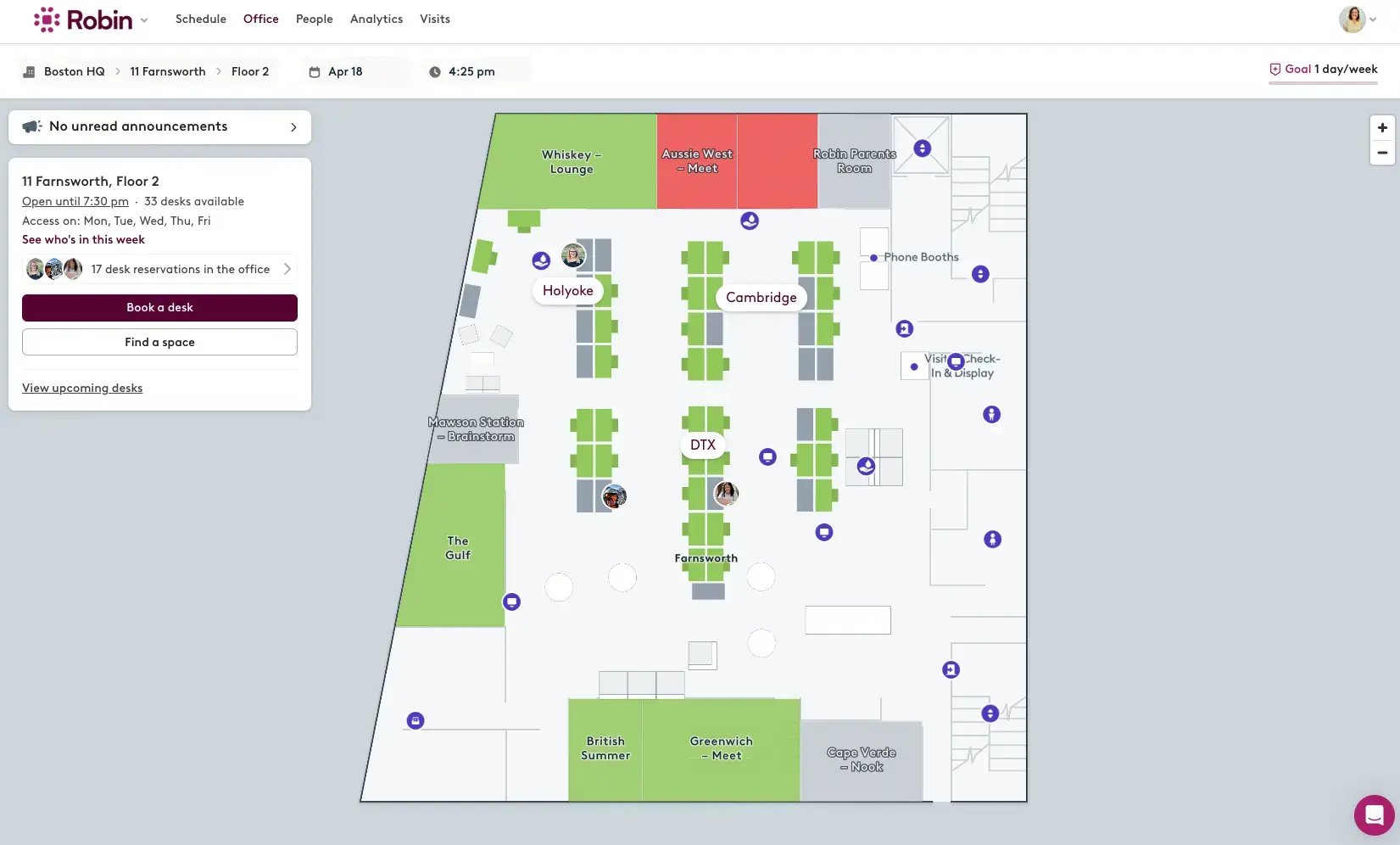
Robin is a desk booking and workplace coordination platform designed for hybrid teams. It offers intuitive scheduling tools and integrates with collaboration platforms like Microsoft Teams and Slack, making it easy for employees to find and book workspaces.
Robin’s strength lies in its simplicity and user-friendly design. The platform automates desk booking, supports mobile access and includes a colleague finder feature that helps users locate teammates across the office.
Key Features
Desk booking automation
Microsoft Teams and Slack integration
Mobile app
Colleague finder feature
Pros & Cons
Pros
SaaS-based platform with a centralized web admin dashboard
Clean and intuitive user experience for end users
Cons
Limited ability to block assigned desks
Inability to book multiple days at once
5. Series25 (CollegeNET)
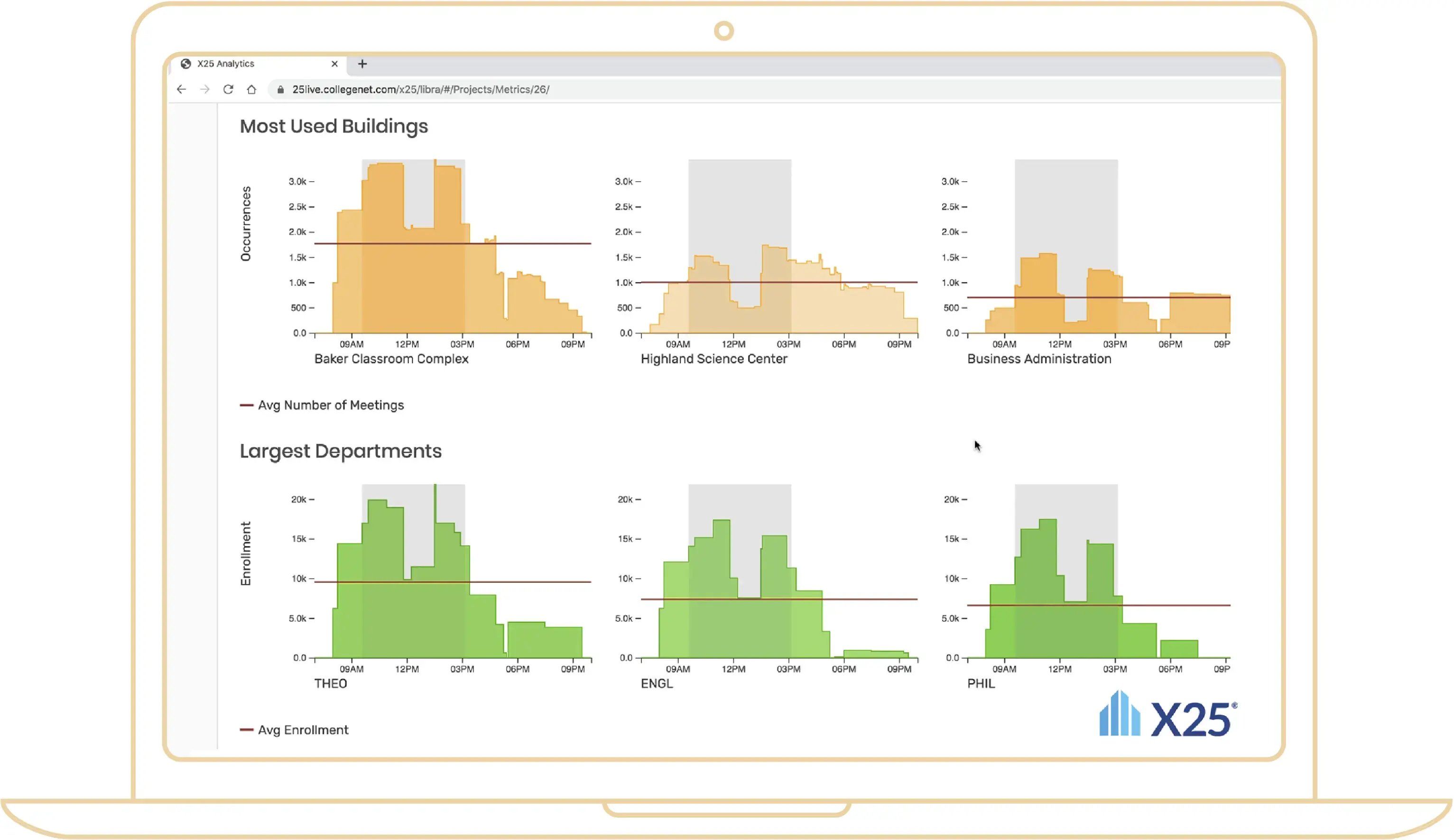
Series25 (CollegeNET) is a comprehensive scheduling and event management platform designed primarily for higher education institutions. It combines academic scheduling, resource management, and campus event coordination into a single solution. Universities and colleges use Series25 to optimize classroom assignments, manage non-academic events, and streamline communication between departments, ensuring spaces and resources are used efficiently.
Its strength lies in handling both academic timetabling and event scheduling under one roof. From assigning courses to available classrooms to booking auditoriums for conferences, Series25 supports the unique complexities of campus operations.
Key Features
Academic scheduling automation with conflict detection
Campus event coordination for activities and conferences
Resource booking for facilities, AV and catering
Workflow automation with approvals and notifications
SIS and campus platform integrations
Reporting and analytics on space utilization and scheduling
Pros & Cons
Pros
Purpose-built for higher education scheduling and event management
Combines academic timetabling and event coordination in one system
Cons
Complex interface with a significant learning curve
Reporting dashboards feel dated compared to modern SaaS tools
Limited customization compared to enterprise-grade systems
Free Event Management Guide for 2026
Download your Free Event Management Guide for 2025 to streamline planning, boost team coordination, and deliver standout experiences every time.
Next Steps: Choose the Best for Your Events
You’ve seen the top event management solutions, and while there are many great options, Accruent EMS stands out as the best overall choice for organizations that want simplicity, reliability, and confidence in their event planning.
The best way to know if EMS is right for you? See it in action.
Request a Demo and experience how easy managing events can be when you have the right platform
Organizations use event management software to plan, schedule and coordinate events by managing resources, attendees and logistics. These tools streamline operations, reduce errors and enhance the attendee experience.
How much does event management software typically cost?
Pricing varies based on features, user count and deployment model—enterprise platforms like Accruent EMS offer customized pricing tailored to your organization’s needs.
Can event management software be customized to a specific business’s needs?
Yes. Solutions like Accruent EMS offer high configurability, open APIs and integration options to match unique workflows and business requirements.
.svg)