Features of great enterprise CMMS software
When evaluating enterprise CMMS software, it's important to consider both the features you need and the potential challenges you may encounter. First, be sure to look for hidden costs such as time spent during the configuration and installation, limited reporting that does not include the data you need, complicated interfaces that require significant training and solutions that do not scale with you as your business grows.
Instead, you will want CMMS software that is:
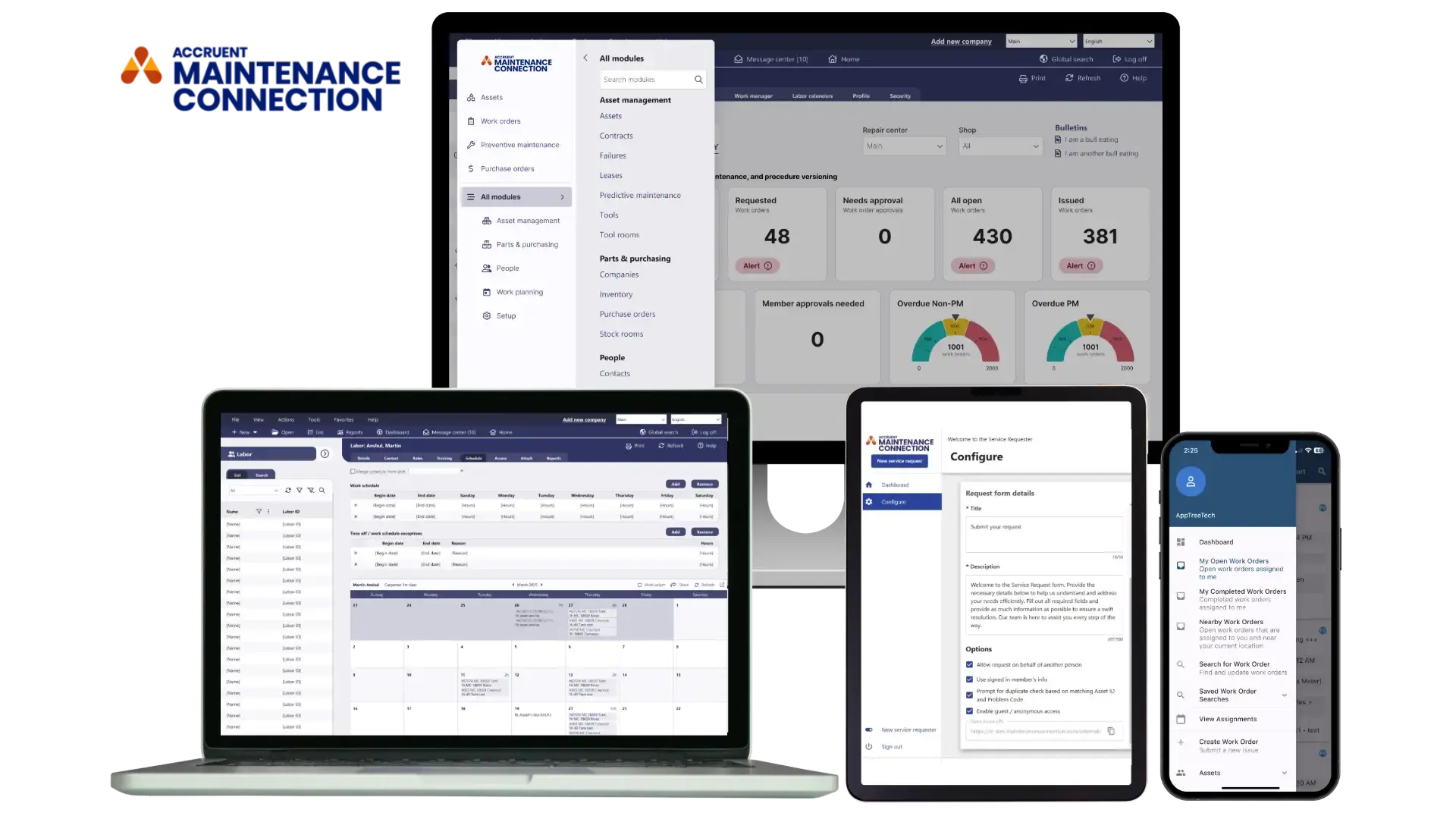
Mobile access for work anywhere productivity
Effective CMMS software will provide easy-to-use mobile capabilities. Without mobile features, maintenance technicians in the field spend extra time retrieving documents or on other non-maintenance tasks, resulting in inefficiency and lost productivity.
Conversely, a mobile-responsive CMMS app allows technicians to complete the necessary tasks for maintenance and repair efficiently by giving them the tools to:
Conversely, a mobile-responsive CMMS solution allows technicians to complete the necessary tasks for maintenance and repair efficiently by giving them the tools to:
- Retrieve procedures and documentation
- Evaluate the equipment’s maintenance history
- Check parts availability
- Initiate parts orders
- Update work order statuses.
Keep in mind, though, that all mobile CMMS software is not created equal. Some tie users to a particular type of device, which can keep users from maintaining flexibility or changing devices without additional cost.
Seamless integration with enterprise systems
It is essential that your CMMS software is able to integrate with other systems if you’re going to effectively use it to capture, analyze and use data. Do your research ahead of time to make sure that the system you are looking at can be easily integrated into your current tech stack.
With Accruent Maintenance Connection, you can easily connect your key applications, such as ERP platforms or IoT applications, to your CMMS software. These integrations allow for closed-loop data management, enabling complete data visibility and real-time data insights that range from inventory stock availability across multiple locations to the current meter readings for key assets.
Intuitive user experience and simple adoption
CMMS software only delivers value when your team actually uses it. Ease of use directly affects user adoption and plays a critical role in achieving the return on investment (ROI) you expect from your CMMS.
Ask yourself:
- Is the software intuitive?
- Does it make my employees’ jobs easier, faster and better?
- Is it responsive to the day-to-day needs of my employees?
When answering these questions, be mindful of the particular needs of your users and your facilities.
If a CMMS requires extensive configuration or is difficult to use, it can create overly complex workflows that hinder adoption. Employees may use the system inconsistently, incorrectly, or not at all, resulting in inaccurate data and reporting that undermine the value of the platform.
Choosing a CMMS that is intuitive and easy to learn helps drive adoption from day one. As usage increases, so does the quality of your data, enabling better decision-making, greater operational efficiency, and a stronger return on investment.
Enterprise-grade security and data protection
Leading CMMS software prioritizes security features to keep your data safe, including:
- Secure cloud-based storage
- Single sign-on for secure authentication
- Access control that ensures only the right people are authorized to access the right resources
Streamlined data migration and system onboarding
CMMS software is most effective when it has access to complete, accurate information. When evaluating solutions, ensure the platform supports seamless data migration from spreadsheets, legacy systems and other disconnected sources. Centralizing data in a single system helps your organization:
- Accelerate digital transformation and improve workplace collaboration.
- Gain real-time visibility into maintenance performance, asset health and key operational metrics.
- Share actionable insights through automated alerts, scheduled email reports and customizable dashboards.
- Improve decision-making with accurate, centralized data that supports continuous improvement and long-term growth.
Dedicated support and long-term partnership
While a vendor’s CMMS software itself is the most important factor in selection and buying process, the vendor organization should be equally important. Good vendors are partners with their customers, and they provide help with implementation, training and ongoing support. Implementation services, in particular, are a natural part of a CMMS software integration project. Thorough vendors will acknowledge this and include these costs upfront.
Additionally, they should provide training in many forms and not just as a one-time activity. Any suggested formal training should be outlined clearly by the vendor and should define key details including the duration, number of users that can be included in the sessions, and the materials that will be provided. As part of their proposals, CMMS software vendors typically include how training will be conducted, how much it costs, and other key details.
Finally, once your CMMS software is in place, questions will inevitably arise as companies work through growing pains. A good vendor will provide 24/7 support to help companies work through these issues, and they will be able to resolve and escalate any concerns when necessary.
Advanced reporting, analytics and insights
Great CMMS software turns your maintenance data into decisions. Look for configurable dashboards, scheduled report distribution and the ability to slice performance by asset, site, technician or work order type. The most useful reports for a maintenance team include:
- Downtime by asset, so you know which equipment is costing you the most
- Preventive maintenance compliance, showing how much scheduled work is completed on time
- Mean time between failures (MTBF) and mean time to repair (MTTR) for reliability tracking
- Labor and parts cost per work order, for budget control and vendor accountability
- Backlog and overdue work orders, so no critical task falls off the list
Without solid reporting, a CMMS system just records what happened. With it, you can predict, prevent and continuously improve.
Centralized maintenance and asset management
One of the most valuable features of CMMS software is its ability to centralize maintenance data in a single system. With immediate access to critical information, maintenance teams can quickly view work order statuses, inventory levels, parts availability, standard operating procedures, compliance documentation, and other essential records.
By providing a single source of truth, a centralized CMMS improves collaboration, increases visibility across the organization, and enables faster, more informed decision-making. This helps teams operate more efficiently, maintain compliance, and keep assets performing at their best.
See how much your company can benefit from a modern CMMS software solution like Maintenance Connection.
.svg)